Download
1 / 4
40 likes | 148 Vues
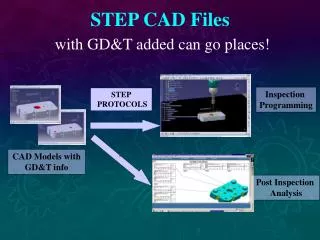
Utilize .STEP CAD Files with GD&T added to streamline Inspection Programming and STEP Protocols. Run DMIS Programs on compatible CMM systems without reprogramming. Benefit from Post-Inspection Analysis with DMIS and I++DME support for various CMM applications. Analysis Software enables result output in DML format. Gain efficiency and accuracy in CMM processes with enhanced GD&T information.

E N D
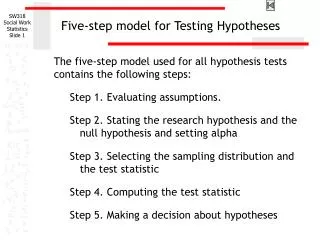
STEP CAD Fileswith GD&T added can go places! Inspection Programming STEP PROTOCOLS CAD Models with GD&T info ` Post Inspection Analysis
DMIS DMIS Programscan be run on all compatible CMM execution systems - no reprogramming needed! DMIS DMIS
I++DMELets you run your favorite programming/execution system on any compliant CMM! 1 2 1 3 2 3 Change the Programming / Execution Application I++DME I++DME I++DME Change the CMM
DML Output Resultscan go places proprietary or informal data cannot! Analysis Software DML format DML format DML format