Guidelines for Designing a Single Screen Poster for The Cube
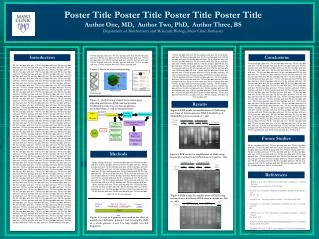
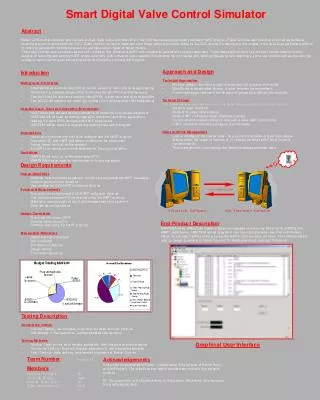
This document provides essential dimensions and resolution guidelines for displaying your poster on The Cube's single screen. It emphasizes that the resolution (page setup) must remain unchanged, while all design elements should be modified. For optimal visibility, font size recommendations include a body text range of 20-30 points and heading sizes between 30-40 points. It's crucial to avoid using white as a background color, as it may result in poor display quality.

Guidelines for Designing a Single Screen Poster for The Cube
E N D
Presentation Transcript
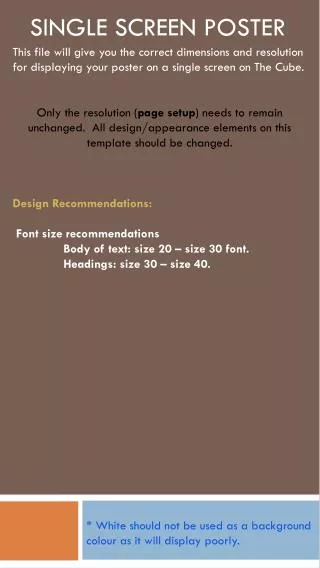
This file will give you the correct dimensions and resolution for displaying your poster on a single screen on The Cube. Only the resolution (page setup) needs to remain unchanged. All design/appearance elements on this template should be changed. Design Recommendations: Font size recommendations Body of text: size 20 – size 30 font. Headings: size 30 – size 40. Single SCREEN POSTER * White should not be used as a background colour as it will display poorly.