Changing Channels NXT handsets
Learn how to change TV channels on the NXT handset easily with step-by-step instructions. Visit our website for additional tutorials and product training.

Changing Channels NXT handsets
E N D
Presentation Transcript
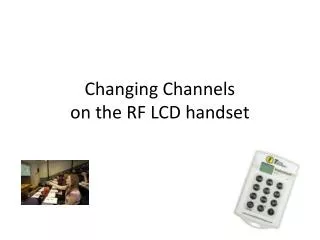
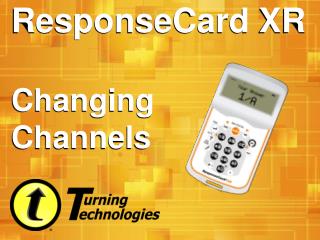
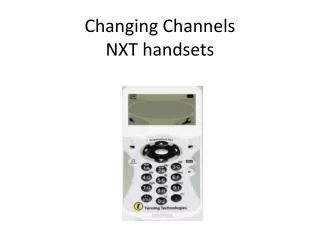
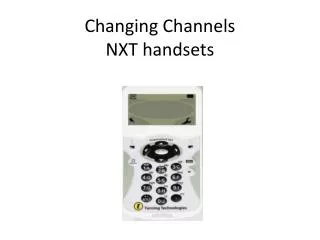
Changing Channels on the NXT handset • The top left hand corner shows the channel that the handset is set on. • This handset shows it is set on channel 24
Changing Channels on the NXT handset • To change channel, press the channel button on the keypad.
Changing Channels on the NXT handset • Enter the new channel number and press Enter.
Changing Channels on the NXT handset • The handset will display ‘Channel Changed’ if successful
Further Information Go to the Turning technologies website and click on • Online tutorials • Product training, http://trainingportal.turningtechnologies.com/responseDevices.cfm