Instructions for using templates
This template provides step-by-step instructions for effectively using PowerPoint templates for professional presentations. Learn to personalize title slides, background slides, duplicate slides, and format text easily. Elevate your presentation skills today!

Instructions for using templates
E N D
Presentation Transcript
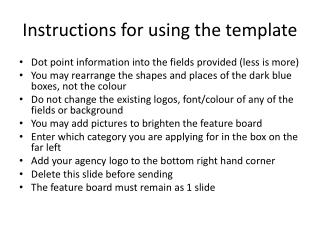
Instructions for using templates 1. Resave file Open the template and resave the file with a new name 2. Title slide Decide which title slide to use. Either – one with an image – one without Select the slide you want to delete, go to edit, delete slide 3. Background slide Decide which background slides to use. Either one or both – a light background [use dark text eg. black] – a dark background [use light text eg. white]
Instructions for using templates 4. Duplicate slides Go to insert – select duplicate slide 5. Formatting slides
Click to add title Click to add text