
SlideServe
Menu
Préférences
© SlideServe · v2026

Integrating Graphing Calculators: A Summer Portfolio Journey

meg avatar
7 diapositives · 225 Views · Dec 30, 2012

Innovative ways to integrate graphing calculators into education through the Portfolio Institute. This year was vastly different from my first. I conducted four engaging activities: analyzing class demographics with circle graphs, experimenting with motion detectors to create step graphs, utilizing heart rate monitors for data collection, and crafting flower graphs with polar functions. Each activity provided insight into real-time data analysis and enhanced student understanding. I am grateful for the support of my fellow educators in making this a valuable experience.
Integrating Graphing Calculators: A Summer Portfolio Journey - slide 1
01 / 7Integrating Graphing Calculators: A Summer Portfolio Journey
1 / 17

Télécharger la présentation

Integrating Graphing Calculators: A Summer Portfolio Journey
Une image / un lien ci-dessous est fourni (tel quel) pour télécharger la présentation

Politique de téléchargement : le contenu du site vous est fourni TEL QUEL pour votre information et votre usage personnel ; il ne peut être vendu, concédé sous licence ni partagé sur d’autres sites sans l’accord de son auteur.Le contenu vous est fourni TEL QUEL, pour votre information et votre usage personnel uniquement. Téléchargez la présentation en cliquant sur ce lien. Lors du téléchargement, si vous ne parvenez pas à télécharger une présentation, l’éditeur a peut-être supprimé le fichier de son serveur.Pendant le téléchargement, si vous ne parvenez pas à obtenir une présentation, le fichier a peut-être été supprimé par l’éditeur.

F I N

Plus de contenu associé

Transcription de la présentation
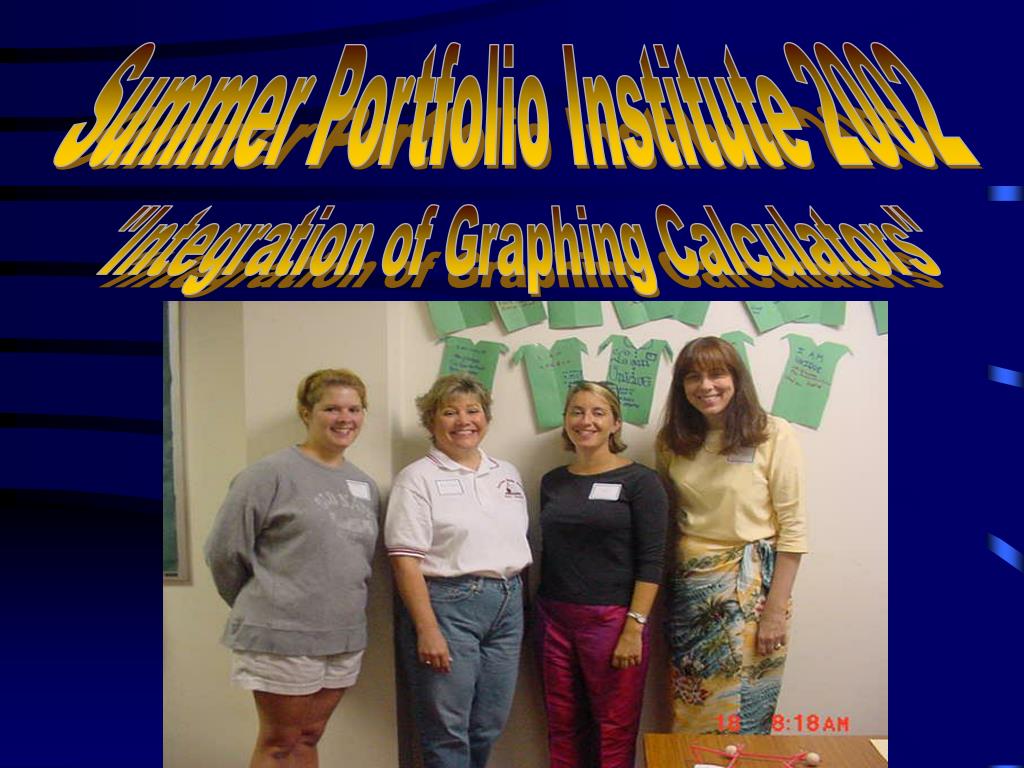
  1. Summer Portfolio Institute 2002 "Integration of Graphing Calculators"

  2. My name is Teri Huling and I worked with incorporating the graphing calculators into the portfolio institute. This is my second year participating in the Portfolio Institute and it has been completely different from last year! I have included a description of four activities I did in the camp and a reflection. A New Year... A New Adventure

  3. Circle Graphs • Integrating circle graphs with a getting to know you activity. • Four stations were set up in the room: hobbies, siblings, sports, and birthdays. • We used a program on the graphing calculator to give us the percentage of the class that (for example had a dog). • The circle graph to the left was used as a demonstration on how to use the graphing program. • Fifty percent of the class had brown hair, 16.6% were blondes, and 33.3% had black hair. Hair Color

  4. Motion Detectors(Ranger/Hiker) • All four classes had an opportunity to work with the motion detectors. • There was one class that came up with the right idea on how to create a step graph, the other classes needed a little guidance. I think that the graph turned out very well. • This lesson was a favorite for many of the students, it allowed them to see there walking results immediately.

  5. Heart Rate Monitors • All the classes worked with the heart rate monitors as well, some a little more extensively than others. • Some used the data collected from the monitors to introduce scatter plots and line of best fit on the graphing calculator. • The students took their heart rate at rest and after exercise. (jumping jacks) • We found that where you placed the ear clip affected the data. Some people got better readings on their ears, fingers, or neck. • All classes did some type of data collection. Beats per Minute

  6. Flower graphs with Polar functions • This activity was probably the kids second favorite on the graphing calculator. • The kids created geometric shapes with polar functions, and they saw a pattern evolve depending on how many petals were on the flower. • They were also given the general equation and discovered how the graph changed when a variable was put in front of the function. • Many students created their own designs.

  7. Reflections • The past week has been a great learning experience. I definitely feel more comfortable with working on the graphing calculators. • I want to thank all the teachers who took time to help me team-teach a lesson. Your contribution was much appreciated.