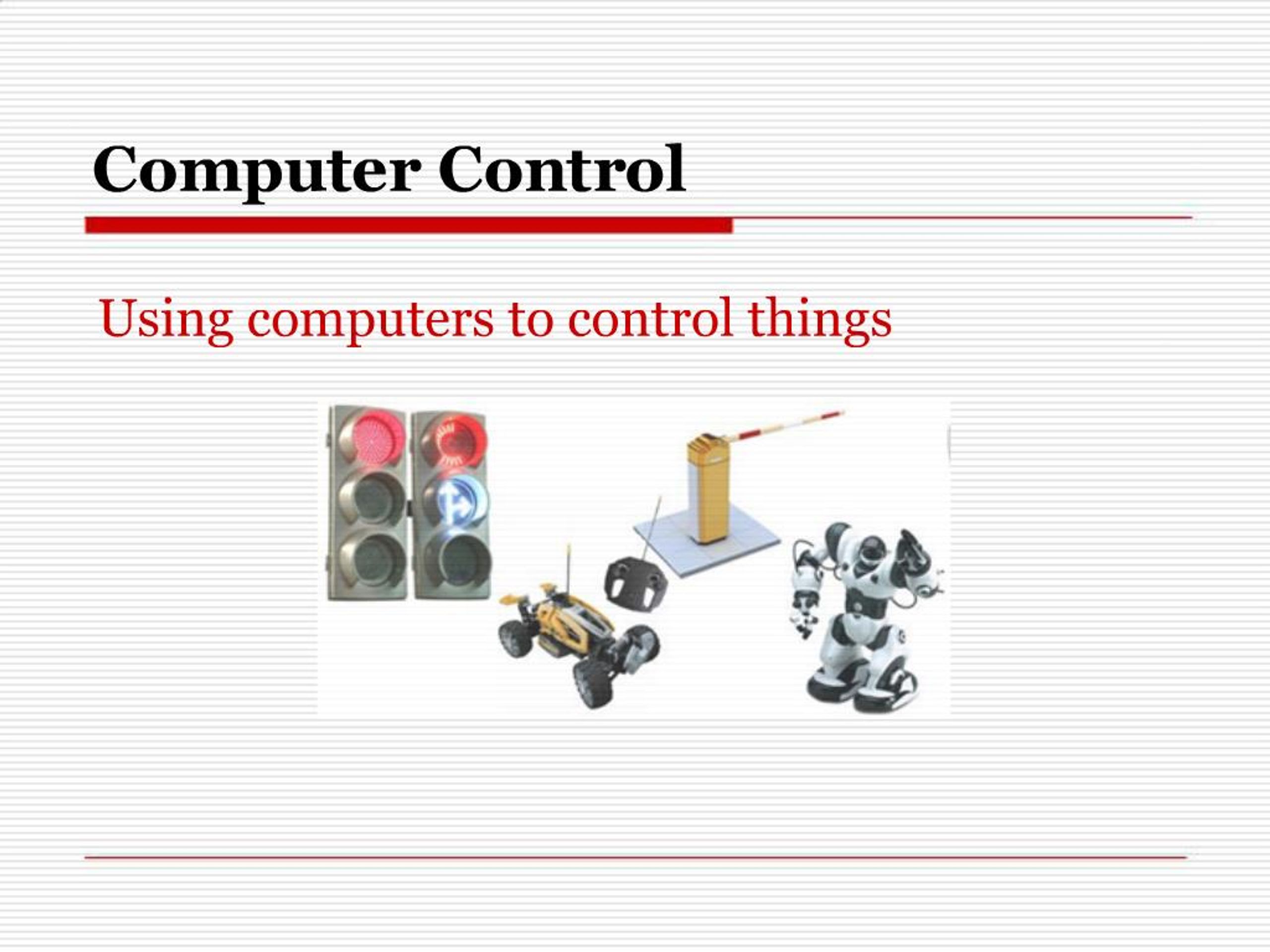
1. Computer Control Using computers to control things
2. What is control system? A control system typically comprises:
a computer or microprocessor.
a control program which handles data from sensors and sends signals to output devices
an interface box to convert signals between the sensors and processor
3. The role of computers in control system Computers can respond very rapidly to change.
Systems can run 24 hours a day, 365 days a year.
Control systems can operate in places that humans would find dangerous or awkward.
Outputs are consistent and error free.
Computers can process data quickly and machines can operate faster than humans
Computers are now used to control
many types of devices such as:
Air conditioning and central heating systems in large buildings
Security systems and burglar alarms
Manufacturing processes
Traffic lights and pedestrian crossings
4. Sensors
In control system, sensor is used to measure physical quantities such as temperature, pressure, etc. and send input to the controlling computer.
The computer responds by sending an output signal to a control interface which activates various devices e.g. a switch or an alarm.
5. The role of sensors in control system
Sensors send signals to the processor.
For example:
A security alarm system may have an infra-red sensor which sends a signal when the beam is broken.
A heat sensitive sensor in the corner of a room may detect the presence of a person.
Temperature sensors could be used to control the heating in a large building.
6. Analogue-to-digital conversion An interface box is needed to convert the data from the sensors into computer data.
Data such as pressure, light and temperature is analogue data.
Computers can only work with digital data.
An ADC (analogue to digital converter) converts analogue data from the sensors into digital data.
7. Types of sensors
8. A computer-controlled heating system Central heating systems are often computer controlled.
A temperature sensor measures the temperature in one room.
If the temperature is below a certain value the heater is turned on.
If the temperature is above a certain level the heater is turned off.
The temperature is monitored continuously so as soon as the heating has been altered in response to one value, the process is measured again and the process repeated. (feedback)
9. Why is a computer-controlled heating system more efficient than a
manually controlled one?
There are two main reasons:
The heating is only on when it is needed, so no fuel is wasted
Each room can be maintained at a set temperature at set times
10. Robots A robot is an automated piece of equipment designed to carry out routine repetitive tasks.
Robots can learn new tasks in two main ways:
The Teach-and-Learn method
A programmer writes a set of instructions, then watches the robot follow them. The instructions are then improved if needed.
The Learn-by-Example method
The robot is guided through the task once and produces its own instructions.
11. Why use robots? Robots are cheaper to operate than paying people wages, but are very expensive to buy.
Robots do not get tired or make mistakes, and can carry out tasks that are dangerous or difficult for humans to do.
They are able to work continuously to the same standard all the time.
They can repeat tasks in exactly the same way each time
They can usually be re-programmed to perform a number of different tasks, for example, spraying different shaped car parts with paint.
12. Advantages of computer control: Can operate 24 hours a day without taking a break.
Can work without holidays or sick days
Will work without any wages.
Will repeat actions over and over and over again
Can process data from sensors very quickly
Can take account of hundreds of inputs at the same time
Can make reliable and accurate decisions
Can be used in dangerous or awkward environments where it wouldn't be a good idea to send humans to.
13. Disadvantages of computer control: The software for the control system is specialist and may cost a lot of money to develop.
If the computer malfunctions the system will not work.
If there is a power cut the system will not work.
The computer can’t react to unexpected events like a human could. It can only respond in the way it has been programmed to.
It can cause some concern if total control for a system and the decisions are handed over to a computer.
14. Done by:�Desriani Yakub