
SlideServe
Menu
Préférences
© SlideServe · v2026

VIRTUAL CLASSROOM TOUR

uyen avatar
6 diapositives · 394 Views · Jun 28, 2012

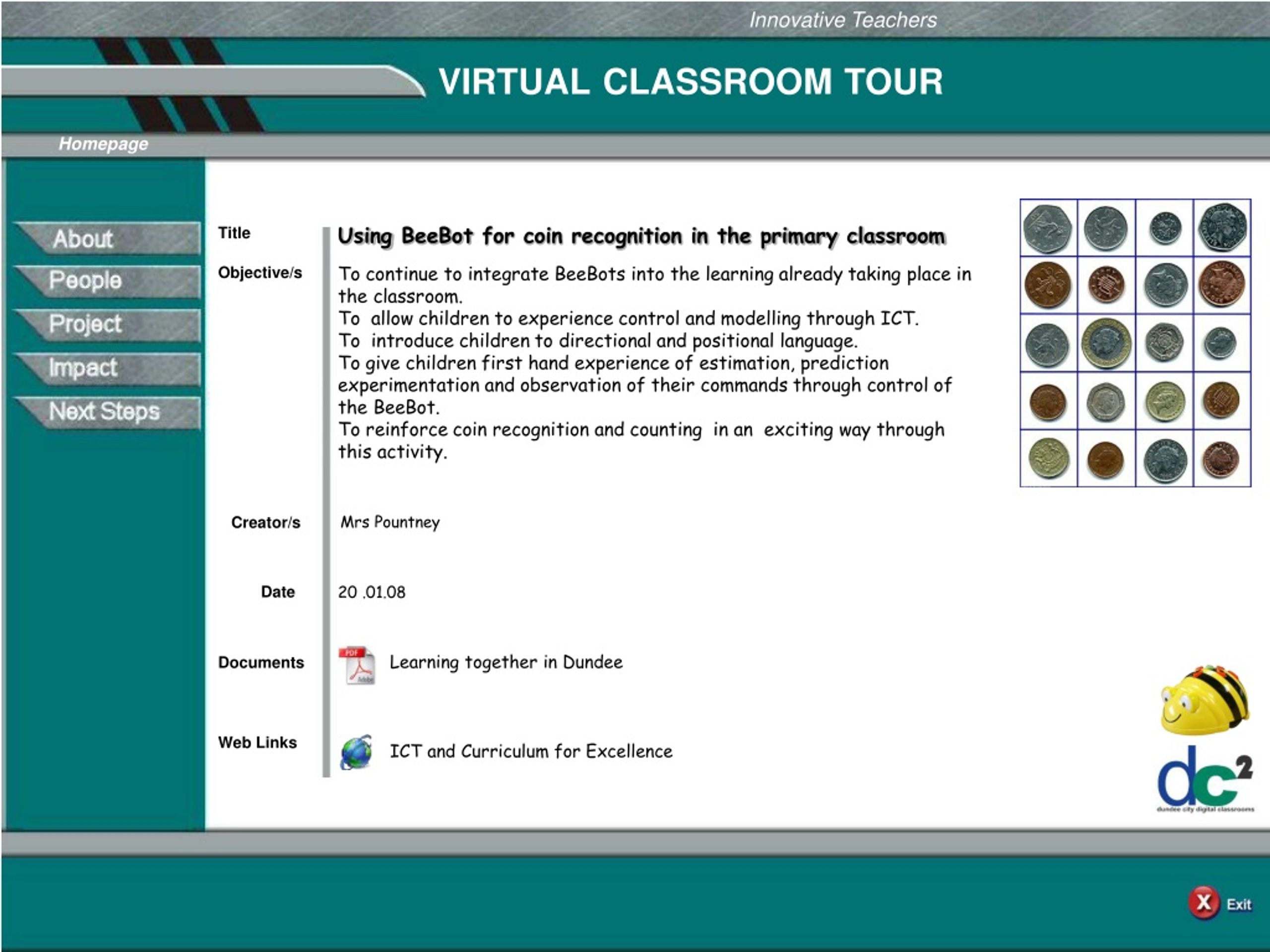
Innovative Teachers. VIRTUAL CLASSROOM TOUR. Homepage. Title. Using BeeBot for coin recognition in the primary classroom. Objective/s. To continue to integrate BeeBots into the learning already taking place in the classroom.
VIRTUAL CLASSROOM TOUR - slide 1
01 / 6VIRTUAL CLASSROOM TOUR
1 / 17

Télécharger la présentation

VIRTUAL CLASSROOM TOUR
Une image / un lien ci-dessous est fourni (tel quel) pour télécharger la présentation

Politique de téléchargement : le contenu du site vous est fourni TEL QUEL pour votre information et votre usage personnel ; il ne peut être vendu, concédé sous licence ni partagé sur d’autres sites sans l’accord de son auteur.Le contenu vous est fourni TEL QUEL, pour votre information et votre usage personnel uniquement. Téléchargez la présentation en cliquant sur ce lien. Lors du téléchargement, si vous ne parvenez pas à télécharger une présentation, l’éditeur a peut-être supprimé le fichier de son serveur.Pendant le téléchargement, si vous ne parvenez pas à obtenir une présentation, le fichier a peut-être été supprimé par l’éditeur.

F I N

Plus de contenu associé

Transcription de la présentation
  1. Innovative Teachers VIRTUALCLASSROOMTOUR Homepage Title Using BeeBot for coin recognition in the primary classroom Objective/s To continue to integrate BeeBots into the learning already taking place in the classroom. To allow children to experience control and modelling through ICT. To introduce children to directional and positional language. To give children first hand experience of estimation, prediction experimentation and observation of their commands through control of the BeeBot. To reinforce coin recognition and counting in an exciting way through this activity. Creator/s Mrs Pountney Date 20 .01.08 Learning together in Dundee Documents Web Links ICT and Curriculum for Excellence

  2. Innovative Teachers VIRTUALCLASSROOMTOUR About Learning Together in Dundee Background/ After the initial introduction of coin recognition by the class teacher, it was found that some children needed extra input on this subject. To make this more fun I introduced the group to the “Money Mat”. The children were excited when they saw the size of the coins on the mat and asked “What do we have to do?” After we discussed the coins on the mat, I brought out BeeBot. To begin with they were programming one step at a time . Soon they were able to program the whole route needed to get BeeBot on to the designated coin. Rationale Documents ICT programme of work BeeBot resources Web Links

  3. Innovative Teachers VIRTUALCLASSROOMTOUR People Learning Together in Dundee People Mrs Pountney READ Nursery Nurse Miss Nixon Class Teacher Children from P2 Whitfield Primary School Documents School handbook Internet photograph permission slip Whitfield Primary School Website address Web Links

  4. Innovative Teachers VIRTUALCLASSROOMTOUR Project Learning Together in Dundee Project Here is a short video of the children using BeeBot. The children are very enthusiastic and by the looks on their faces are having great fun. It always amazes me how quickly some children pick it up and can work out the moves needed to get BeeBot to the correct destination. Click here to view video Documents P2 level A ICT programme of work Web Links LtScotland website

  5. Innovative Teachers VIRTUALCLASSROOMTOUR Impact Learning Together in Dundee Impact Click on BeeBot to view photostory. Documents Help notes for Photostory 3 Download link to Photostory 3 Web Links

  6. Innovative Teachers VIRTUALCLASSROOMTOUR Next Steps Learning Together in Dundee Next Steps I am going to make up a dice with coins on each side and the children will roll the dice then programme BeeBot to go to the matching coin. I will make up another dice with the money in value on the sides. Eg 5p 10p etc The children will have to match the value on the dice to the correct coin. Next I will make up a toy shop with toys and price tags. Flashcards will be used to depict the toys and their prices. How much the toy will cost? Which coins will you need to pay for the toy? The children will then programme BeeBot to go to each coin in turn pausing (pressing the pause button) before moving on to the next coin. I will make up flashcards with two or more toys and children will add the total on the flashcard then programme BeeBot to move to the correct coins needed. Blank die template May open behind PowerPoint Documents