Mastering Visual Note-Taking: A Guide to Enhancing Learning
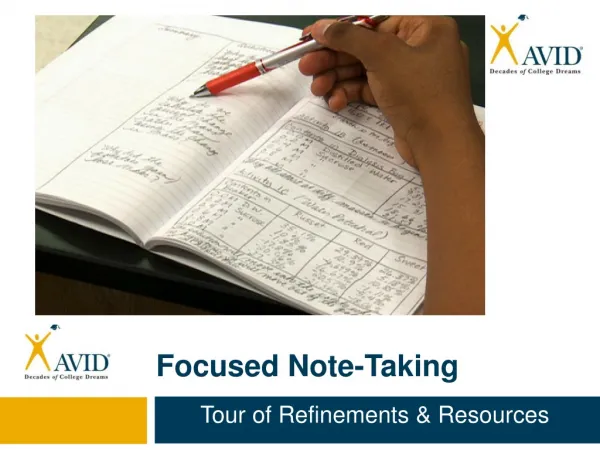
Discover the art of visual note-taking and how it enhances comprehension and retention. This method shares similarities with Cornell notes, allowing you to set up your paper with Date, Cues, Notes, and Summary sections. As you listen to lectures, jot down notes, create related visuals in the cues column, and summarize afterward to reinforce learning. Engage actively with your content and watch your understanding deepen through this dynamic process of combining words and imagery.

Mastering Visual Note-Taking: A Guide to Enhancing Learning
E N D
Presentation Transcript
Interesting Fact • Parts of visual note-taking process are the same as the Cornell notes. Watch carefully to see if you can figure out which parts are the same.
Define Time • Visual- is an illustration, chart, diagram or image showing something.
Step One • Set up your paper just like Cornell Notes. Focus: Date Cues Notes Summary:
Step Two • As the lecture happens add notes to the notes column.
Step Three • *Create pictures, images or drawings in the cues column that will relate to the information in the notes column.
Step Four • * After class, create a short summary to review the new information learned.
Let’s Try It! • First set up your page. • Copy the notes down in the notes section. • Draw pictures in the cues section.