Student Java Editor
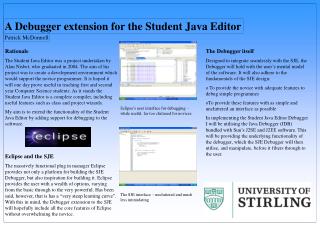
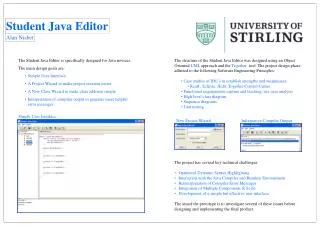
The Student Java Editor, designed by Alan Nisbet, targets Java novices with its simple user interface and specialized project wizards for easy project and class creation. By interpreting compiler output, it provides helpful error messages, enhancing user understanding. Developed using an Object Oriented UML approach and adhering to key software engineering principles, the project explores various IDE strengths and weaknesses, and tackles technical challenges like syntax highlighting and error message interpretation. This prototype aims to address essential issues for an effective learning tool.

Student Java Editor
E N D
Presentation Transcript
Simple User Interface New Project Wizard Informative Compiler Output Student Java Editor Alan Nisbet • The Student Java Editor is specifically designed for Java novices. • The main design goals are: • Simple User Interface • A Project Wizard to make project creation easier • A New Class Wizard to make class addition simple • Interpretation of compiler output to generate more helpful error messages • . • The structure of the Student Java Editor was designed using an Object Oriented UML approach and the Together tool. The project design phase adhered to the following Software Engineering Principles: • Case studies of IDE’s to establish strengths and weaknesses: • RealJ , Eclipse, JEdit, Together Control Center • Functional requirements capture and tracking, use case analysis • High level class diagram • Sequence diagrams • Unit testing • The project has several key technical challenges: • Optimised Dynamic Syntax Highlighting • Interaction with the Java Compiler and Runtime Environment • Reinterpretation of Compiler Error Messages • Integration of Multiple Components & Scale • Development of a simple but effective user interface. • The aimof the prototype is to investigate several of these issues before • designing and implementing the final product.