Unlocking the Power of Geospatial Data with ArcGIS Tools
This guide provides insights into effectively exploring geospatial data using ArcGIS, ArcCatalog, and Excel. Learn how to utilize the help screens in Arc for all types of queries and relationships. Discover how to access valuable user guides and resources that can enhance your understanding of geospatial analysis. By stepping away from your machine and engaging with these tools, you will gain a deeper appreciation and practical skills for managing and analyzing complex spatial datasets. Elevate your data exploration experience today!

Unlocking the Power of Geospatial Data with ArcGIS Tools
E N D
Presentation Transcript
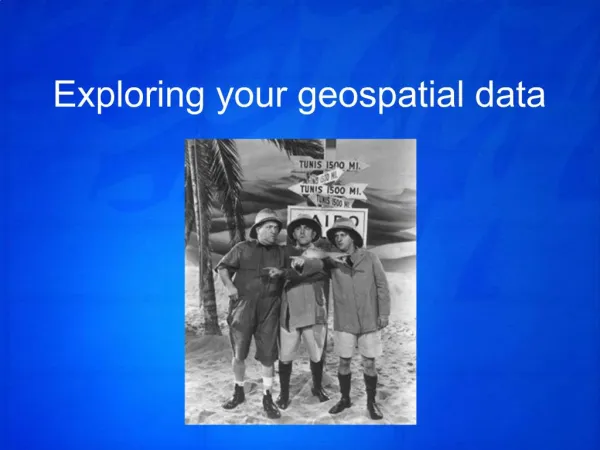
1. Exploring your geospatial data
29. Use the help screens in Arc
Use relationships for all kinds of queries
Use all the tools available—Access, ArcGIS, ArcCatalog, Excel
Step away from the machine
Resources:
Access user guides at http://soils.usda.gov/technical/access/