Lesson Plan Dropbox Instructions for Fairless Teachers
Follow the steps to submit your lesson plans online: access Fairless website, select Teacher Websites, find Livingston, Jean, locate the Lesson Plan Dropbox, browse and upload your file using specific naming format.

Lesson Plan Dropbox Instructions for Fairless Teachers
E N D
Presentation Transcript
1. Go to Fairless homepage (www.whsd.net > Schools > Fairless)2. Click TEACHER WEBSITES from left menu
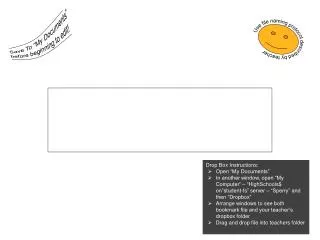
7. Use the following format when naming your lesson plan file(s): Month-Day(Optional subject) • Date: Use the date for the first day of the week for the plans in the following format with hyphens: Month-Day using 2 digits for each. EX: 09-30 EX: 01-05 • Subject: (Optional) Use name of subject EX: Math, Reading, Social Studies
9. Locate your plan > Click on it (file will appear in File Name) > Click OPEN
10. Click UPLOAD ASSIGNMENT > a message will appear that the assignment was successfully uploaded