Download
1 / 4
Télécharger la présentation 
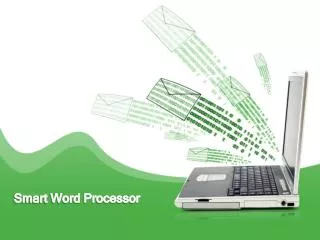
All-In-One Word Processor: Empower Your Writing Tasks
An Image/Link below is provided (as is) to download presentation
Download Policy: Content on the Website is provided to you AS IS for your information and personal use and may not be sold / licensed / shared on other websites without getting consent from its author.
Content is provided to you AS IS for your information and personal use only.
Download presentation by click this link.
While downloading, if for some reason you are not able to download a presentation, the publisher may have deleted the file from their server.
During download, if you can't get a presentation, the file might be deleted by the publisher.
E N D
Presentation Transcript
Word Processor Uses Enter, manipulate and store text. Embed graphics, audio, video, tables. Desktop Publish. Convert to HTML for a website. Check spelling and grammar, Has outlining and thesaurus tools.
Word Processor uses • Self-Publishing books and articles. • Creating Flyers for special events. • Creating Greeting Cards. • Labels and Envelopes. • Letters. • Brochures. • Resumes
Summary • Word Processing is a powerful writing tool. • With extended access, writing seems to improve with the use of word processing. • Most used tool by teachers, professionals, writers, lawyers, and many other professions.
Thinking Map Describe WP’s Word Processors

More Related