AVIT Video Conferencing Training Module
270 likes | 463 Vues
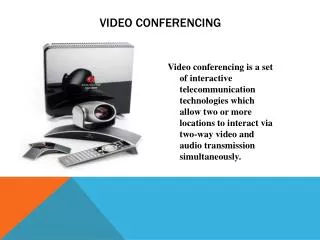
AVIT Video Conferencing Training Module. Meetings. Video Conferencing. Video Conferencing is mainly used for meetings, lectures and tutorials It is cost effective and time efficient


AVIT Video Conferencing Training Module
E N D
Presentation Transcript
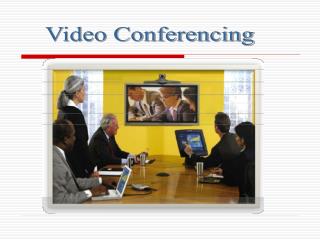
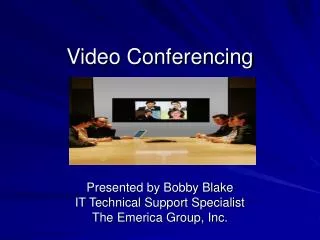
Video Conferencing • Video Conferencing is mainly used for meetings, lectures and tutorials • It is cost effective and time efficient • To achieve a successful video conference, users need to be familiar and confident using the medium, and encourage an interactive environment
A Successful Video Conference The essential ingredients: • Booking of Sites and Bridge • www.avit.med.usyd.edu.au • Contact with the Video Conferencing Unit • Room Configuration • Effective Communication
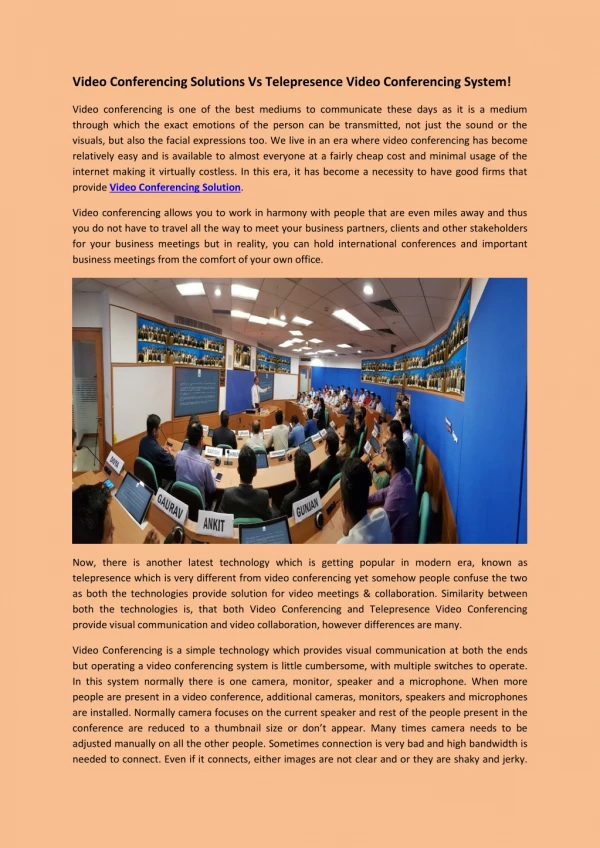
Camera • Direct and zoom camera so it is as tight as possible on all attendees • All attendees should be seated facing the camera and close together • Turn on all room lights, block all natural light and choose a good background
View Yourself • It is necessary to view yourself during the setup of the conference to make sure seating and camera positioning are correct • Dual Screen: • The Here screen will be showing your site • Single Screen: • Before connection, you will see your site full screen • Once connected, use Picture in a Picture mode
Single Person - Setup Camera Here Screen Camera View There Screen Dual Screen Single Person – Camera Setup
Camera Here Screen Camera View There Screen Dual Screen 3 Persons – Camera Setup 3 Persons - Setup
Camera There screen Here screen Dual Screen Medium Meeting – Camera Setup Medium Meeting - Setup
Screen Layout There are three main types of screen layout: • Voice Activated Video • Quad Split • Picture in Picture
Voice Activated Video • Only one site is seen at a time • The last site that spoke is visible on screen • There is a 3 second delay when switching between sites in this mode
Quad Split Screen • The screen is divided into 4 quadrants • The Bridge controls which site is visible in which quadrant • If there are 6 or more sites, the 4th quadrant works in Voice Activated Video mode
Quad Split Screen • Things to Consider: • Small screen problems • Increased importance of camera setup • Problems showing presentation material
Picture in Picture • Especially applicable to single screen setups • This mode allows you to view your own site in a corner of the screen during a conference
Microphones • Proper microphone positioning is vital • All attendees at a site need to heard as well as possible • At the beginning of a conference, or when a new site joins in, test that all sites can hear one another • What if they can’t hear me? • VCU 9351 7325 or 0419 914 419
How Microphones Work Pick up Range (side view) Pick up Range (bird’s eye view)
Single Microphone Placement – Small Meeting Single Microphone Placement
Dual Microphone Placement Medium Meeting Dual Microphone Placement
Effective VC Communication • Nominate a Chairperson to co-ordinate the meeting • The Chairperson ensures successful: • Participation • Communication • Etiquette
Participation • Aim for equal participation at each site • Communicate directly to participating sites • Questions • Requests • Comments
Communication • Talk clearly, one at a time • No multiple discussions • Standard Academic Procedure • Talk towards the microphone, considering your position and the range of the microphone
Etiquette • Video conferencing greatly benefits from orderly and clear conduct • Avoid all unnecessary movement and noise • Presume that you are always being watched and heard • Using the ‘Mute’ function
Meeting Tools • Modes of presentation: • PowerPoint • Document Camera • Overhead Projector • Whiteboard • VCR • DVD
Meeting Tools • Things to Consider • VC Unit needs advanced notice • All sites should have a hardcopy • Use camera presets to view both the presenter and the presentation material • Picture Quality • Site specificity of presentation equipment
Summary • Confidence using Video Conferencing • Creating an Interactive Environment • Using Video Conferencing Equipment Effectively • Technical Assistance and Support