SlideServe
Menu
Préférences
© SlideServe · v2026

Design Harmony: Proximity, Fonts, and Alignment Tips

marty avatar
2 diapositives · 150 Views · Jul 23, 2014

Learn how to achieve visual harmony in your design with principles like proximity, font families, and alignment. Discover techniques for creating contrast, repetition, and alignment for a polished look.
Design Harmony: Proximity, Fonts, and Alignment Tips - slide 1
01 / 2Design Harmony: Proximity, Fonts, and Alignment Tips
1 / 17

Télécharger la présentation

Design Harmony: Proximity, Fonts, and Alignment Tips
Une image / un lien ci-dessous est fourni (tel quel) pour télécharger la présentation

Politique de téléchargement : le contenu du site vous est fourni TEL QUEL pour votre information et votre usage personnel ; il ne peut être vendu, concédé sous licence ni partagé sur d’autres sites sans l’accord de son auteur.Le contenu vous est fourni TEL QUEL, pour votre information et votre usage personnel uniquement. Téléchargez la présentation en cliquant sur ce lien. Lors du téléchargement, si vous ne parvenez pas à télécharger une présentation, l’éditeur a peut-être supprimé le fichier de son serveur.Pendant le téléchargement, si vous ne parvenez pas à obtenir une présentation, le fichier a peut-être été supprimé par l’éditeur.

F I N

Plus de contenu associé

Transcription de la présentation
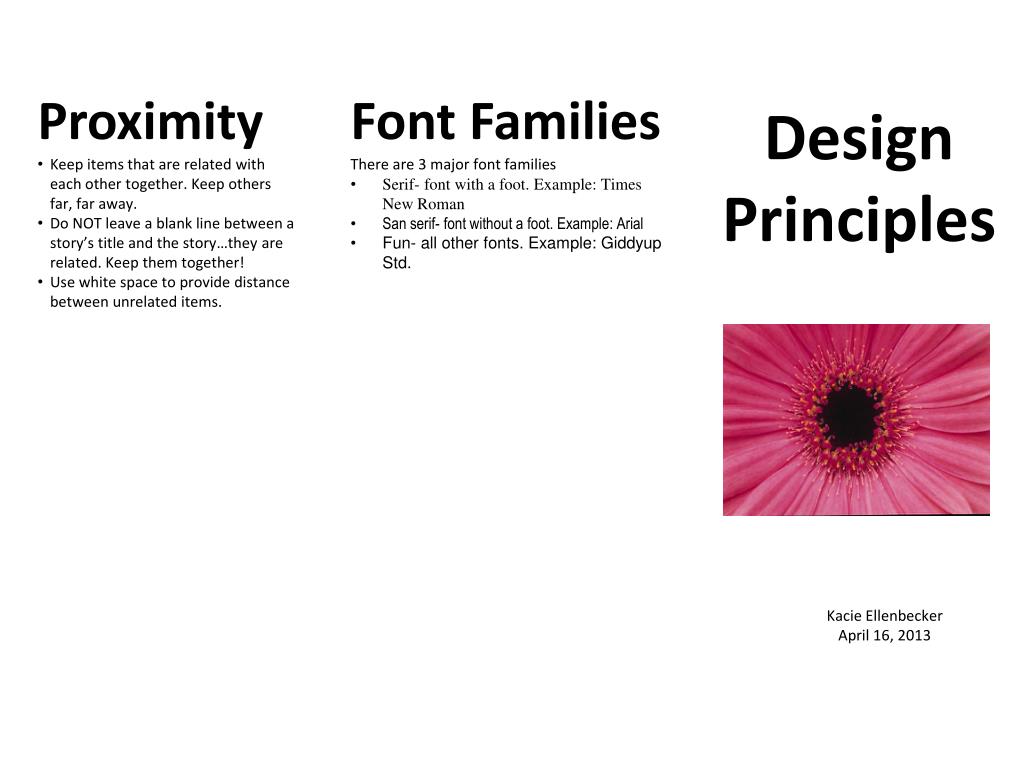
  1. Proximity • Keep items that are related with each other together. Keep others far, far away. • Do NOT leave a blank line between a story’s title and the story…they are related. Keep them together! • Use white space to provide distance between unrelated items. • Font Families • There are 3 major font families • Serif- font with a foot. Example: Times New Roman • San serif- font without a foot. Example: Arial • Fun- all other fonts. Example: Giddyup Std. Design Principles KacieEllenbecker April 16, 2013

  2. Contrast • Visual attraction on the page. • Keep elements the same or very different. • Make darks, dark and light items, light. • Place dark text on a light background and light text on a dark background. • Makebig items, big andsmall ones small. • Repetition • Aim for consistency • Repetition will strengthen the reader’s sense of recognition. • Repeat elements throughout your document. • Repeat fonts, font sizes, colors, and graphics. • Alignment • There are 4 alignments: • Left- Use for large blocks of text that need to be read. This is a traditional style • Right-Use for titles and small amounts of texts. This is funky. • Central- use for titles. This is formal. • Block- Use in newspapers.