ABC Corp - Complete Requisition Use Case Analysis and Diagrams
This assignment focuses on the "Complete Requisition" use case for ABC Corp, detailing the essential classes, attributes, and methods necessary for implementation. It includes the creation of class diagrams that depict relationships among entities and a sequence diagram illustrating the method calls during the requisition process. Key steps involve initiating a requisition, entering details, verifying products, and reviewing the requisition by a supervisor. An extended class diagram will highlight the methods associated with each class.

ABC Corp - Complete Requisition Use Case Analysis and Diagrams
E N D
Presentation Transcript
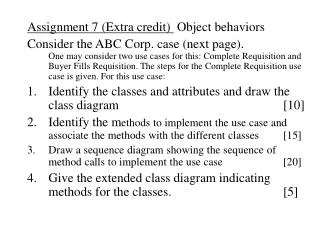
Assignment 7 (Extra credit) Object behaviors Consider the ABC Corp. case (next page). One may consider two use cases for this: Complete Requisition and Buyer Fills Requisition. The steps for the Complete Requisition use case is given. For this use case: • Identify the classes and attributes and draw the class diagram [10] • Identify the methods to implement the use case and associate the methods with the different classes [15] • Draw a sequence diagram showing the sequence of method calls to implement the use case [20] • Give the extended class diagram indicating methods for the classes. [5]
Use case: Complete requisition Actors: Employees, Supervisor Steps: • Initiate new requisition screen • Fill in requisition details – possibly multiple requisition lines • Enter Product#, Quantity • Verify Product# against the product master file • Assign the requisition number • Save the requisition • Review the requisition (by supervisor) • Initiate the approve requisition screen • Enter the approver code • Update the requisition transaction file • Write to requisition audit file