Create a Snake Game in Scratch: Master the Pen Tool and Color Sensing
In this tutorial, you'll learn how to use the pen tool and color sensing features in Scratch to create an exciting snake game. The objectives are to understand the functionalities of the pen tool and incorporate colors effectively to develop game mechanics. You'll start by drawing a snake that can eat a mouse, while also implementing a unique yellow sensor to detect collisions. If the snake touches its own tail, it will die! Get ready to explore and experiment with your new skills in Scratch!

Create a Snake Game in Scratch: Master the Pen Tool and Color Sensing
E N D
Presentation Transcript
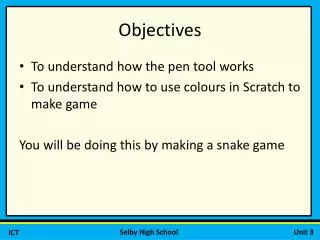
Objectives • To understand how the pen tool works • To understand how to use colours in Scratch to make game You will be doing this by making a snake game
Sensing colours • In scratch you can get something to sense when one colour is touching another. We will be using this tool in the snake game. • You will be drawing a snake which will eat a mouse. When the snake touches its own tail, it will die.
When you draw the snake sprite • Make sure you include a yellow sensor. What do you think this script will do?